I spent months building a team of AI agents.
Then I became their assistant.
They felt more like new hires than effective bots. I kept explaining what we’d already decided, checking whether the work was actually done and correcting assignments that shouldn’t have reached my desk.
I’d built a team to take work off my plate. Why was I spending so much time managing theirs?
I built those agents in Codex. I also tried Claude Cowork and Perplexity. I was willing to learn the tools and spend time making them work. Most people don't want that to become another job.
That's what interests me about Dot: the possibility of getting useful help without first learning how to build a team of agents. Could someone on my team use it? Could Lauren? Could someone who reads this article set one up and hand it a real responsibility? That's the promise I want to test.
Stop Giving Me Back Work I’ve Already Finished
An AI assistant can turn a five-minute decision into a recurring meeting with yourself.
You answer the email. The next morning, your briefing tells you to answer it. Now you’re opening the thread again, finding your reply and explaining why the recommendation is wrong.
Multiply that across a business and the time savings start to disappear.
This is where the new-hire feeling comes from. I’m carrying the history, remembering who owns the next step and checking whether something’s actually finished. The assistant has produced a briefing, but I’m still doing the work that makes it useful.
Being copied on an email doesn’t make every task in it mine. A decision I made yesterday shouldn’t become an open question today. If someone on my team owns the follow-through, I want help tracking the result without quietly taking their job back.
Before you give your Dot more work, give it something you’ve already finished. Ask what still needs your attention. See whether it finds the reply that settled the question, or confidently hands you the original request again.
That’s a useful place to catch the mistake. You already know the answer.
I’m still working through this with mine. I want to close a task and stop carrying it around in my head.
Set up your own Dot around one useful job
You don't need to spend months building agents to learn from what went wrong with mine. Start with something you already know how to evaluate. A meeting brief. A weekly household plan. A list of unanswered client questions.
If you can't recognize a useful result, you won't know whether the setup is helping.
1. Create your Dot, then give it a job

As of September 30, OpenAI says to create your Dot in the ChatGPT desktop app or on desktop web and follow the onboarding prompts. Mobile access comes afterward where available. Availability varies by account and workspace. The official setup guide has the current details.
You can name it. More importantly, tell it what responsibility you're trying to hand over.
“Help me be more productive” gives it very little to work with. “Prepare me for tomorrow's owner meeting using the current email thread and the last meeting's decisions” gives it an assignment you can inspect.
2. Show it what good looks like
A new hire needs more than a job title. Giving an assistant a long description of your life won't teach it how you want a particular assignment handled either. Start with the current process and one example of work you'd be happy to receive again.
Explain what makes that example good. Maybe it puts the recommendation first. Maybe it separates your decision from someone else's next step. Include the exceptions: where does the written process stop being enough?
For someone on our Coastline team, that could mean the relevant Whale procedure, a strong completed example and the approval boundaries for that assignment. Use the current version. Don't upload every handbook and hope the assistant sorts out the contradictions.
For a property management example, start with my 5-Step Framework for AI agents.
At home, the equivalent could be a trip-planning routine and an itinerary you liked. Explain why it worked. Otherwise, the assistant may reproduce the layout and miss the judgment behind it.
That's what I mean by training here: instructions, examples, practice and feedback.
3. Connect a source and prove it can use it
Connect the app needed for that first assignment. In ChatGPT, review available connections under Settings → Plugins and complete the service's authorization steps. A work account may also need administrator approval. OpenAI's app setup instructions explain the process.
Test a record you recognize. Ask it to find a specific thread, read the latest reply and explain what remains open. Check the answer yourself.
For a concrete property-management tool example, Coastline Compass includes a Work Order Wizard. It's a GPT for preparing a work-order draft from the facts you supply. Opening it doesn't connect your property-management software or give Dot access to your records. Try it with anonymized details.
Your Dot also has a cloud computer. Connecting your own computer is optional, so don't make that the first assignment unless the work needs it. The setup guide covers computer access.
4. Give it room to work
Explain what it can handle and which decisions belong to you. For meeting preparation, it can research and prepare the brief. Sending a message to an owner is a separate action.
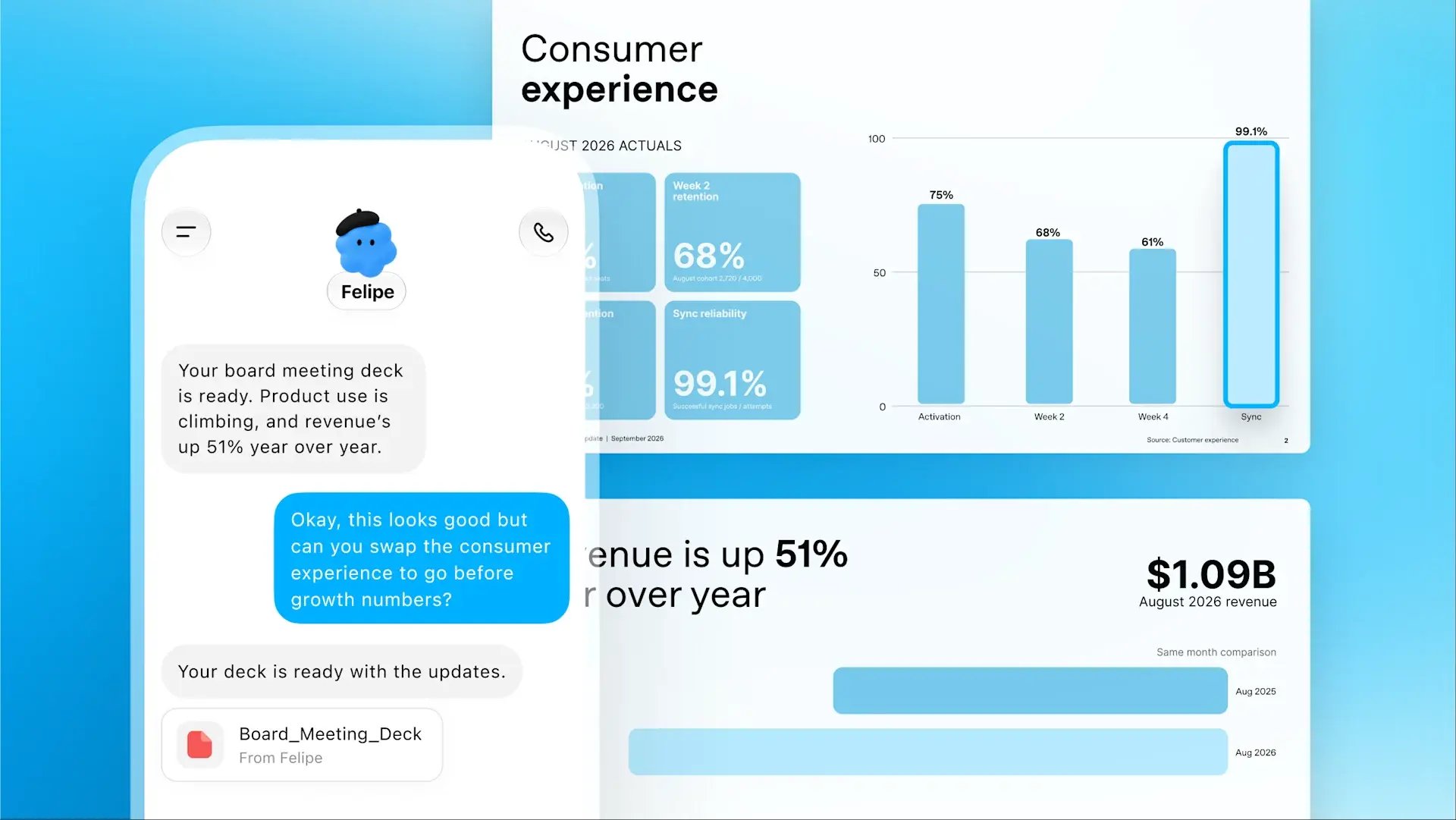
Here's a household example you can adapt. This is a sample assignment, not a report of a completed test:
Help me plan Saturday. We need groceries and a library visit, and we need to be home by 2 p.m. Use the calendar I've connected and the shopping list below. Suggest an order for the stops and a departure time. Leave room for lunch. Don't book or buy anything.
The useful result is a short plan you can follow. It should account for the commitments you gave it and tell you what it couldn't verify, such as opening hours or travel time.
For your own assignment, name the job, the source, the result you want and the decisions you're keeping. You don't need a page of instructions to start.
5. Change something and see whether it keeps up
Now change the Saturday plan: “We need to be home by noon instead of 2.” Ask for the updated version.
Does it move the departure time, shorten a stop or explain that everything won't fit? Does the old return time disappear? You should be able to see what changed without comparing two long answers.
At work, the same test could be a repair estimate approved between two reviews. The next brief should follow the approved work, not request the same approval.
6. Make the useful result repeat
Once the result is useful and the correction holds, ask your Dot to run that assignment on a schedule. For the household example, that might mean preparing the weekend plan every Friday afternoon using that week's commitments.
Check existing schedules first so you don't create a duplicate. Review recurring work under Scheduled in its profile. OpenAI's scheduling instructions describe the controls.
Then check the next result. Did it use this week's information? Did your correction carry forward? A schedule that exists and a routine you can rely on are different accomplishments.
Start with one job. Give it the context that matters. See whether your answer survives the next conversation. That's a useful first setup whether you're running a company or trying to make next weekend easier.
And it's the standard I'm applying to the team of agents I spent months building: help me move the work forward, without making me their assistant again.